The short answer
Not here. Paws at You has no free clips, no free credits and no free trial. You pay for each clip, or you sign in and buy a credit pack, and the total is on the button before you pay.
Video generation costs real computing time for every clip, so a maker that calls itself free usually limits the result somehow: a watermark, a low resolution, a short queue of free tries or a subscription that starts after a trial.
What free usually means elsewhere
Look for what happens after the first try. Some apps give a few starting credits and then ask for a monthly plan. Some export with a logo burned into the corner. Some keep the clip at a size that looks soft on a phone.
None of that is wrong, but it is worth checking before you upload a photo of your pet.
What you pay here
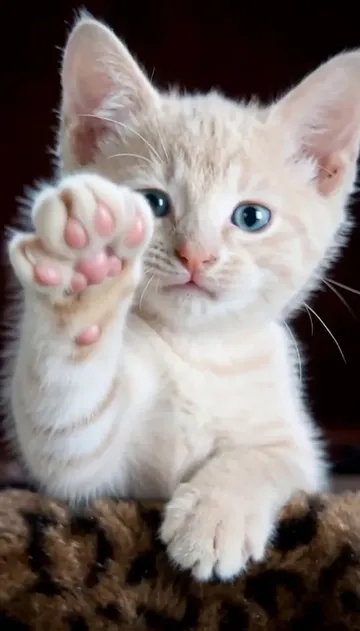
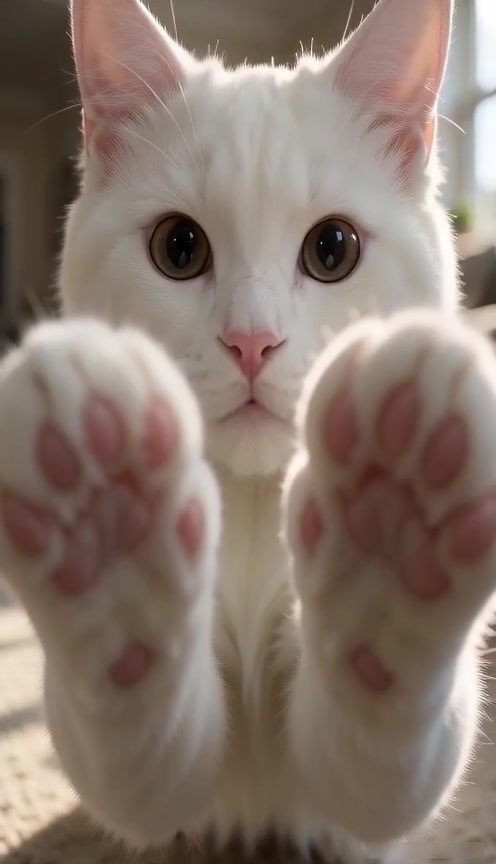
Each clip is priced by resolution only. Both paws, one paw and the snow leopard look cost the same at a given resolution, and 720p is the only upgrade. The pricing page lists the current prices and the three credit packs.
A guest can pay once without an account. Signed-in accounts can also buy a pack, which is a one-time balance, not a subscription. New accounts start at zero credits.
Watermark and text
The studio does not add a watermark or burned-in text. You get the clip and add your own *paws at you* caption when you post.
If a paid clip fails
If a clip paid with credits fails, the reserved credits are released. If a clip paid with a single checkout fails, it goes to refund review with the same payment provider. The refunds page explains both cases.