The short answer
Upload one clear, well-lit photo of one cat or dog looking toward the camera. JPEG, PNG or WebP, up to 10 MB. The closer and sharper the face, the more the clip looks like your pet.
One pet per photo
The studio puts one animal in the scene. With two pets in the photo it may pick the wrong one or blend them. Crop to one pet before you upload.
Face and eyes
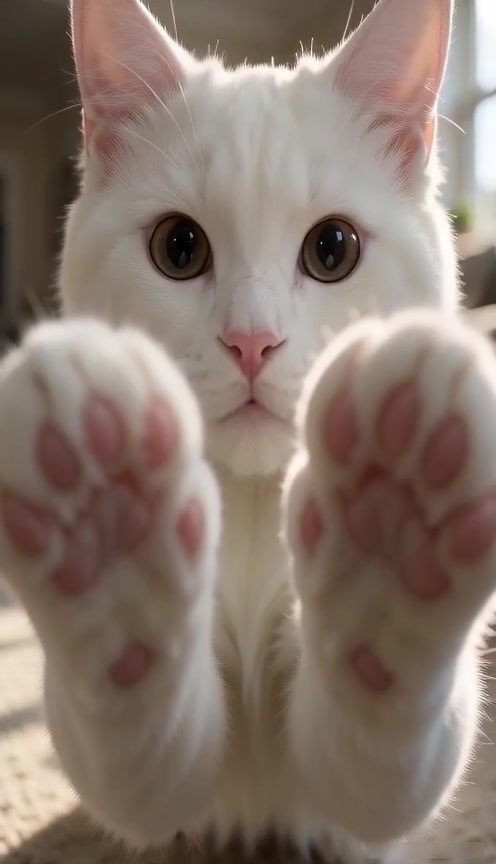
The paw lands right in front of the lens, so the face is close and large in the clip. A photo where the eyes and nose are clear gives the best likeness. Side profiles and faces hidden by a toy work less well.
Light and focus
Daylight from a window beats a dark room or a flash. Avoid heavy filters, stickers and motion blur; the studio reads them as part of your pet.
Framing
Head and shoulders, or the whole sitting pet, both work. A pet that is small at the far end of a room does not. Paws visible in the photo help, but they are not required.
- One cat or dog
- Face toward the camera
- Good light, no filter
- Close framing
Your pet, or permission
Use a photo of your own pet, or a pet whose owner said yes. Do not upload photos of people.